

Integrations Settings
Settings → Integrations connects the production to Cuelist and to hardware button stations.
Cuelist Sync
When the production is linked to a Cuelist project, script structure and cue placement sync from Cuelist automatically. This card shows when the last sync happened and offers:
- Re-sync from Cuelist pulls the latest structure right away.
- Disconnect from Cuelist stops syncing. Your script structure, cues and notes stay in place. Use this if the Cuelist project was deleted or you need to link a different one.
If the production isn't linked, the card says so. Linking starts in Cuelist, from the project's settings, by the project owner. Open Cuelist takes you there.
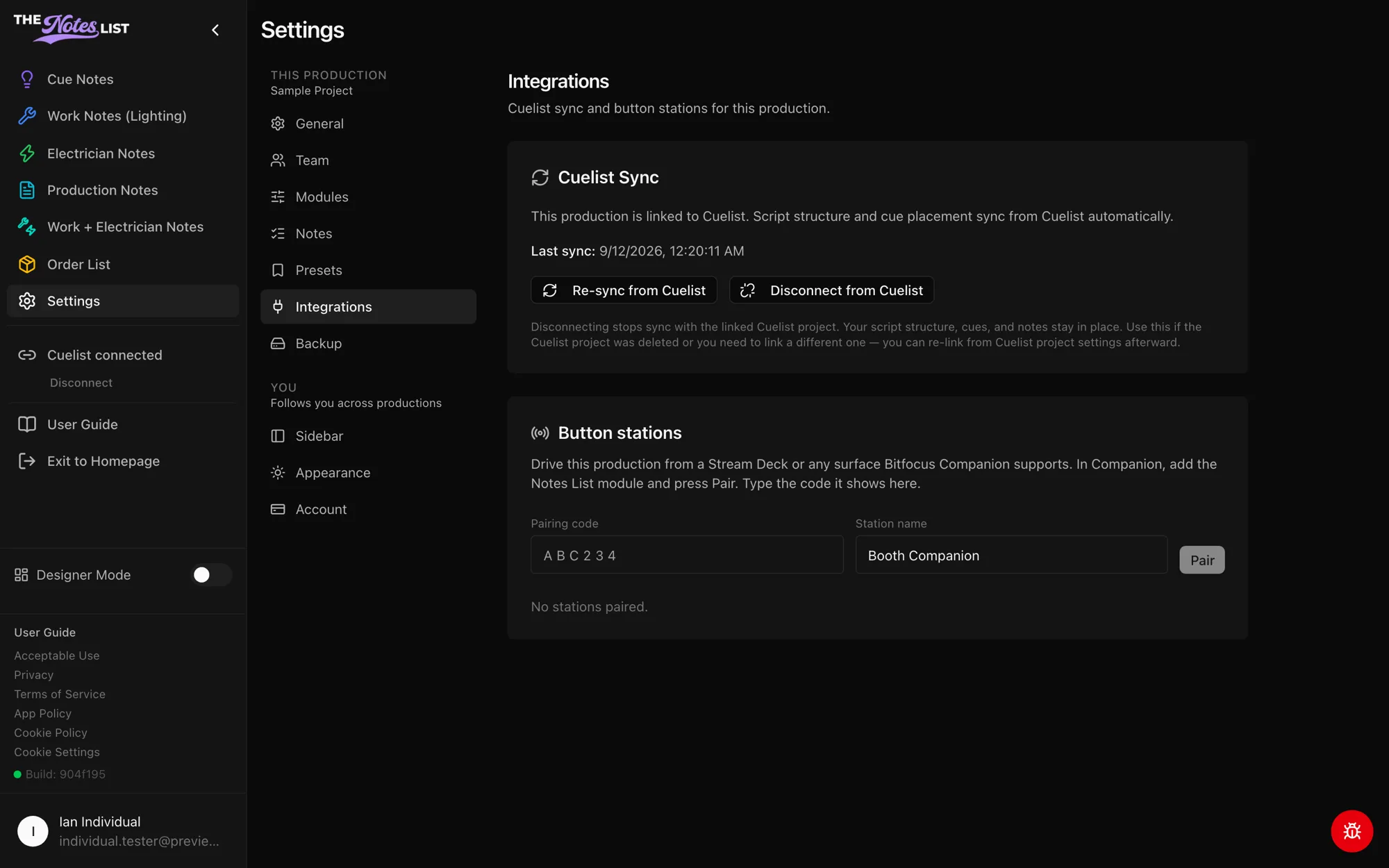
Button stations
Drive the production from a Stream Deck or any surface Bitfocus Companion supports:
- In Companion, add The Notes List module and press Pair.
- Type the code Companion shows into Pairing code, give the station a name, and press Pair.
Paired stations are listed below with when they were last seen. Revoke disconnects one.
Pairing a station needs an active licence, Show Pass or Dual for the production. Viewers can't pair stations; ask a production admin to set one up.