Managing Productions
Setting up a production on The Notes List is quick and easy. On this page we will set up an example production.
Go to the Homepage and Select "New Production"
On the homepage you will find:
- A clean layout of your existing productions
- A tab to access your billing
- A bin of disposed productions
- A tab to start your new production.
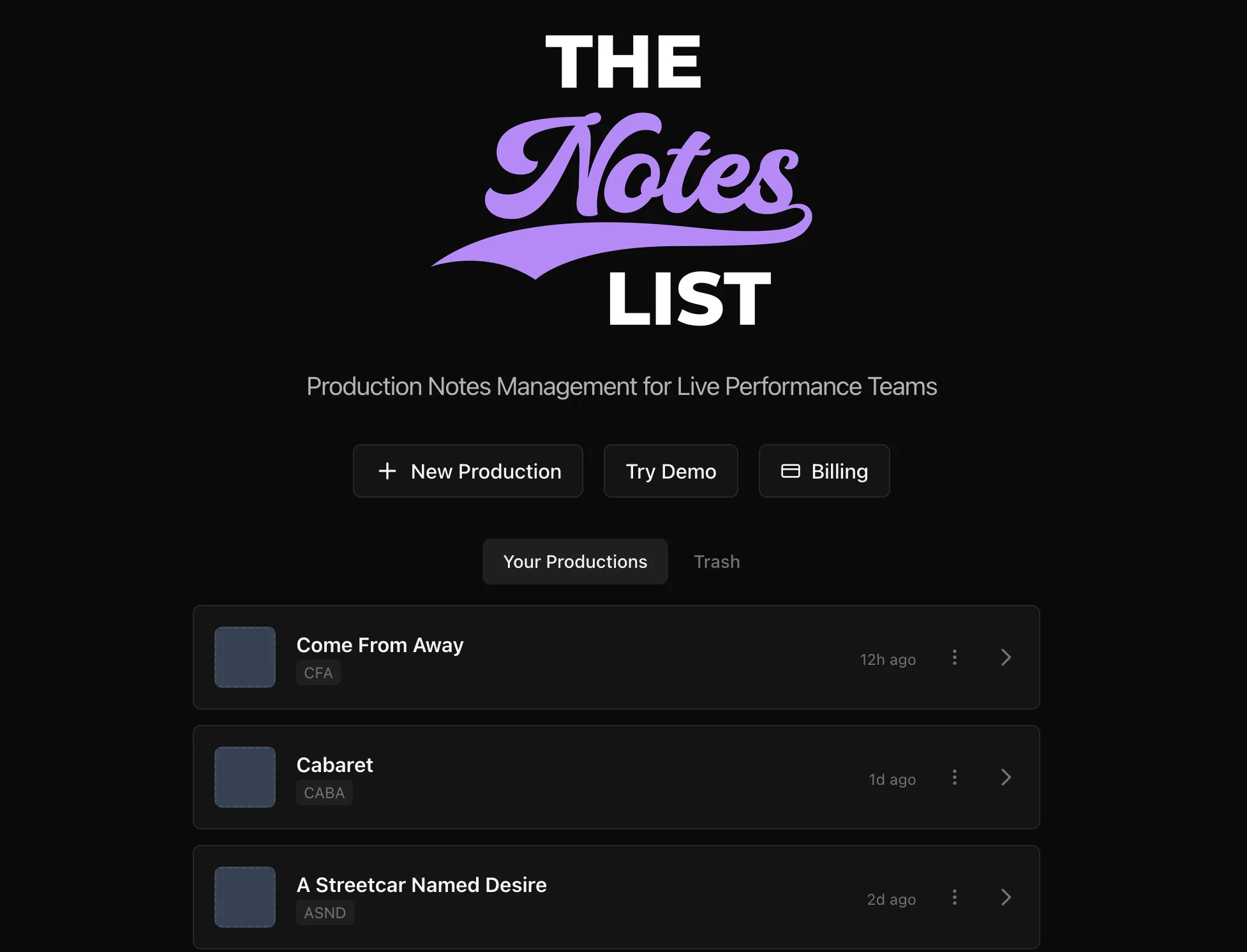
TheNotesList Homepage with Example Productions
Input Production Details
Here you will find the production creation page.
Tabs include:
- Production Name
- Production Abbreviation
- A check box for lighting capability
- Note modules to include as a starting point.
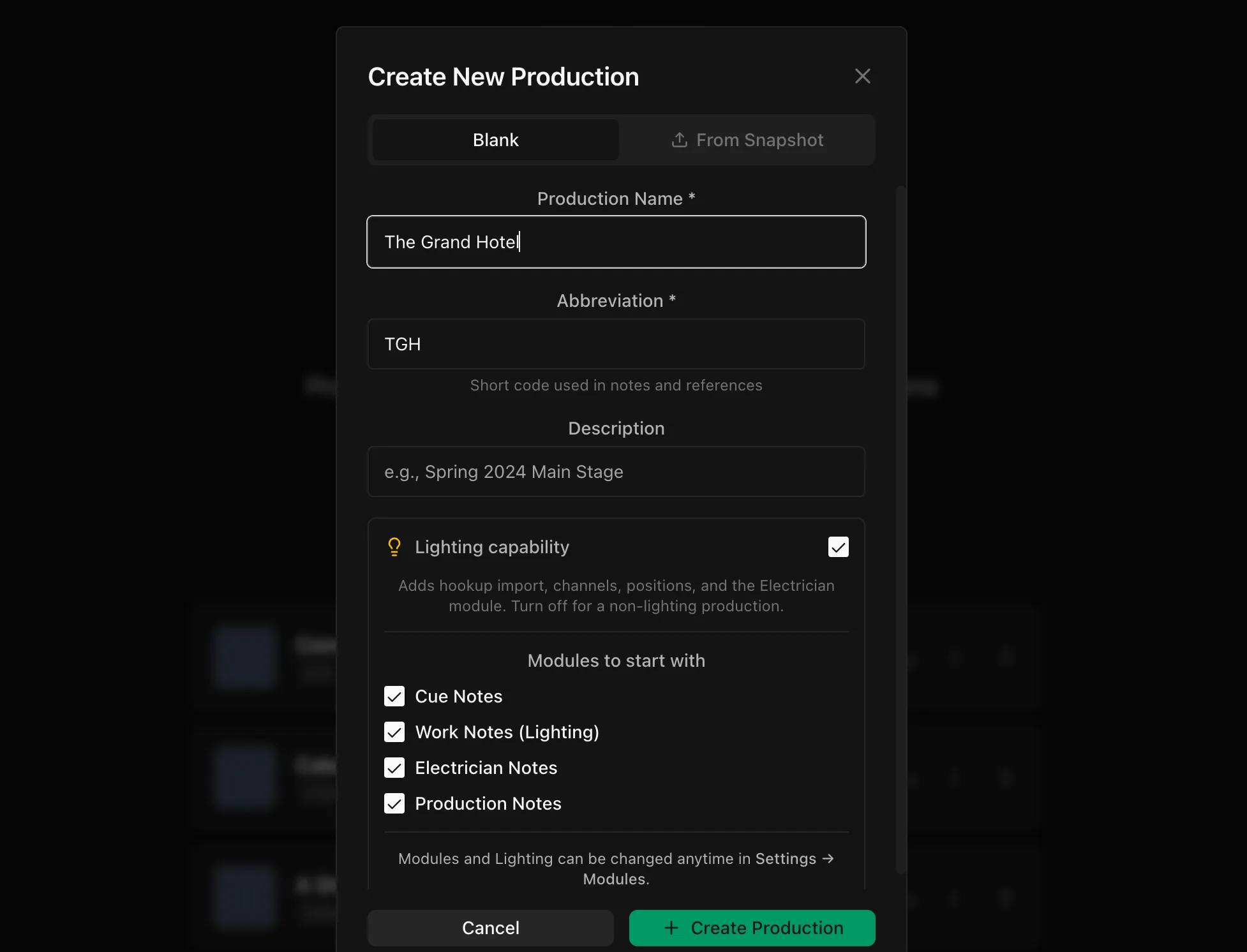
Select "Create Production"
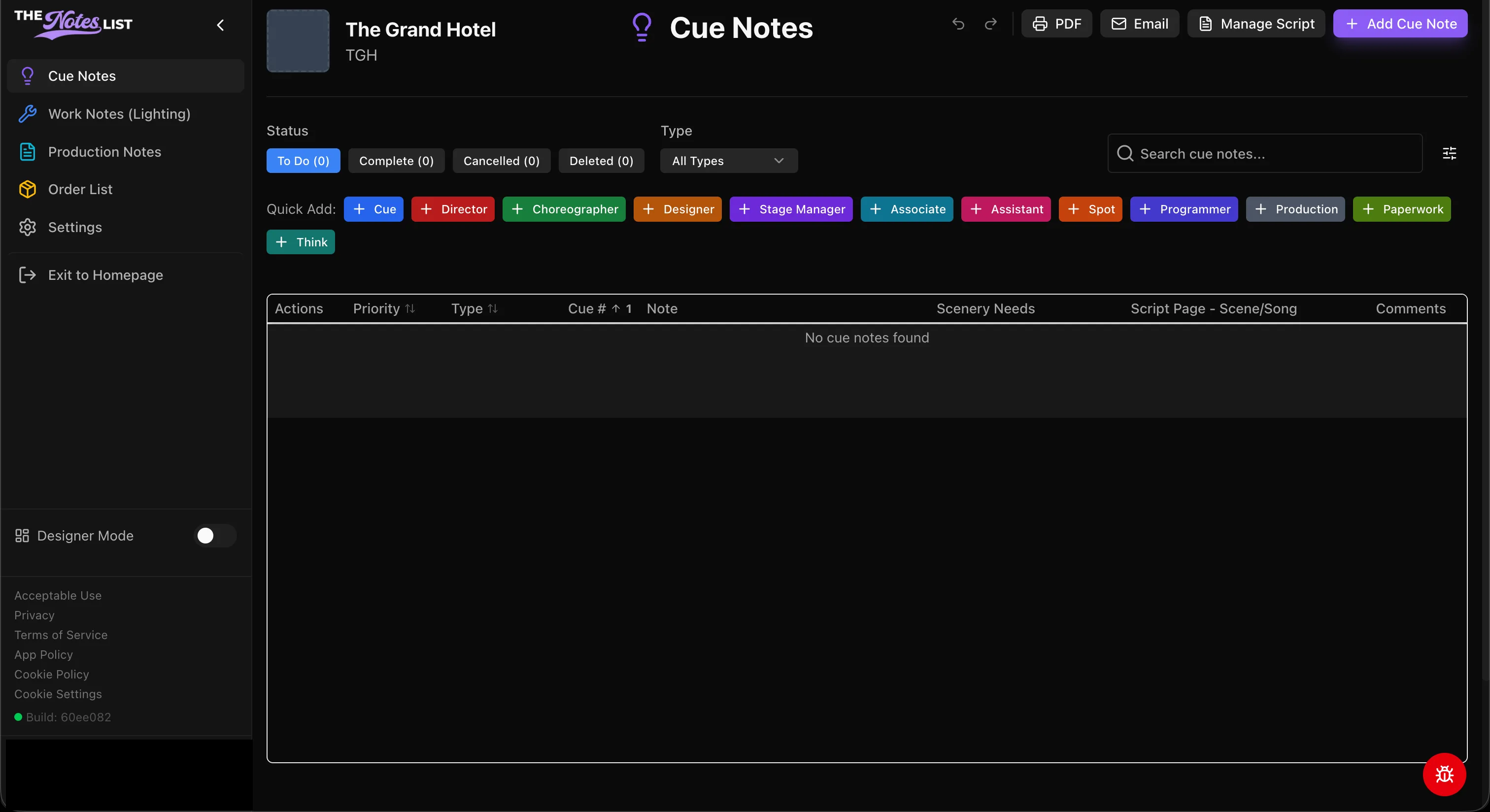
The green button in this window creates your production and automatically opens the main screen for your production;
You can see that The Notes List has populated your production name and abbreviation in the upper left hand side of the note-taking window.