

Image Importing
We all know adding a quick diagram can save hours worth of miscommunication. TheNotesList enables you to add images directly to your note.
This page will dive into integrations via one of the three main categories:
- Image File Import
Add Image to Note
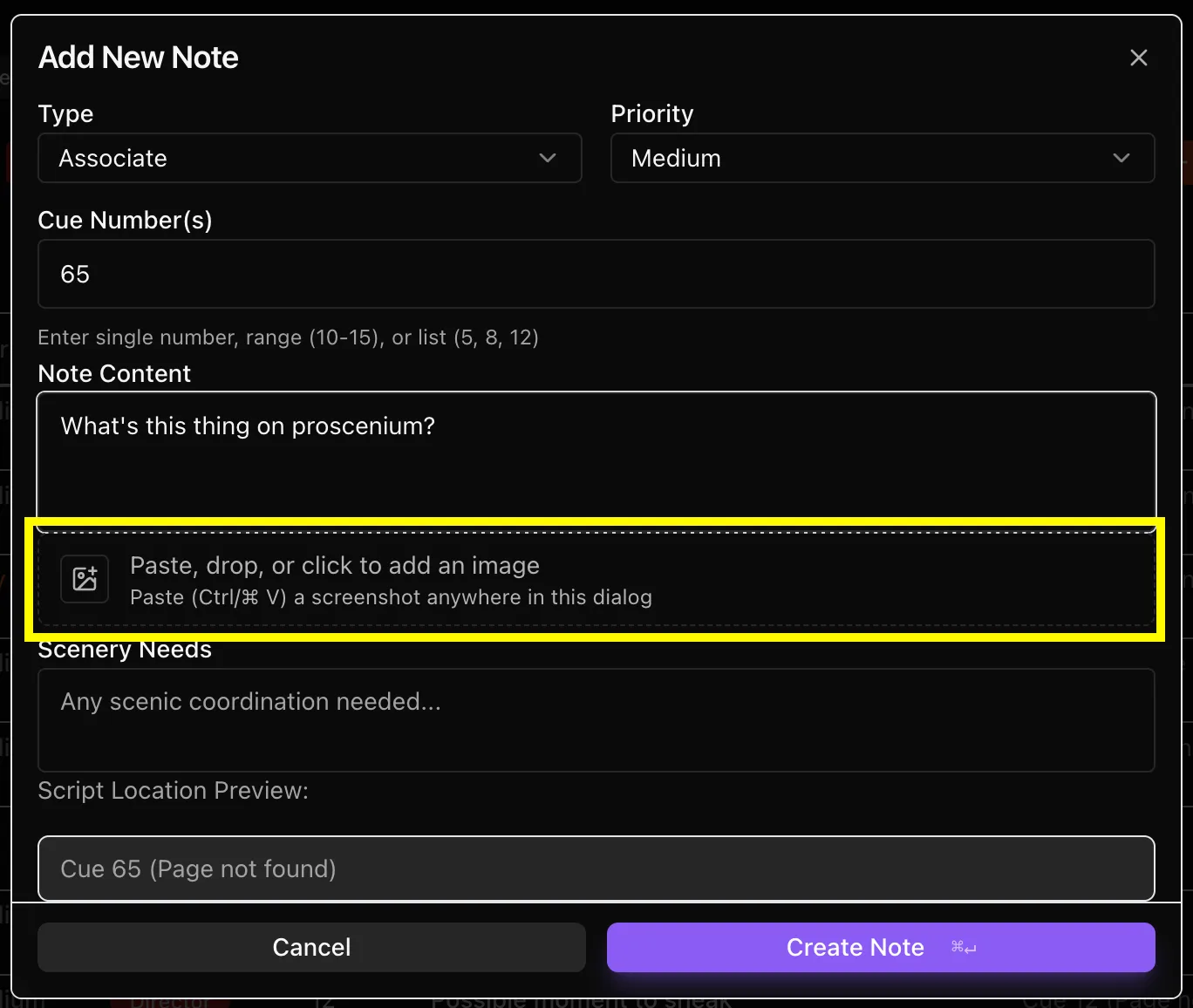
When you create a new note there is an option within the initial window that enables you to upload an image to pair with the note. You can drop an image in the box, paste it, or click to bring up a window for importing.
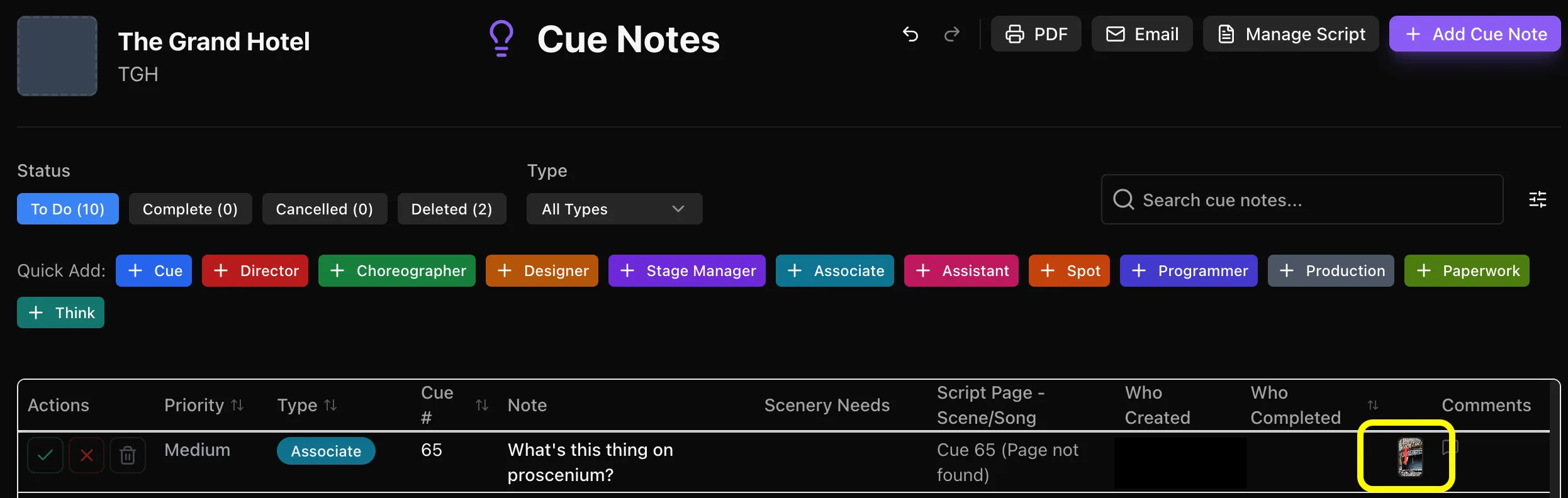
The image will appear on the main page as a thumbnail but clickable to be enlarged.
When you export your notes there will automatically be an additional page attached to the end of the document to display images you've imported.